Reviewed July 27, 2026
HVAC Rescue Editorial Team
Editorial StandardsWhen you need thermostat installation
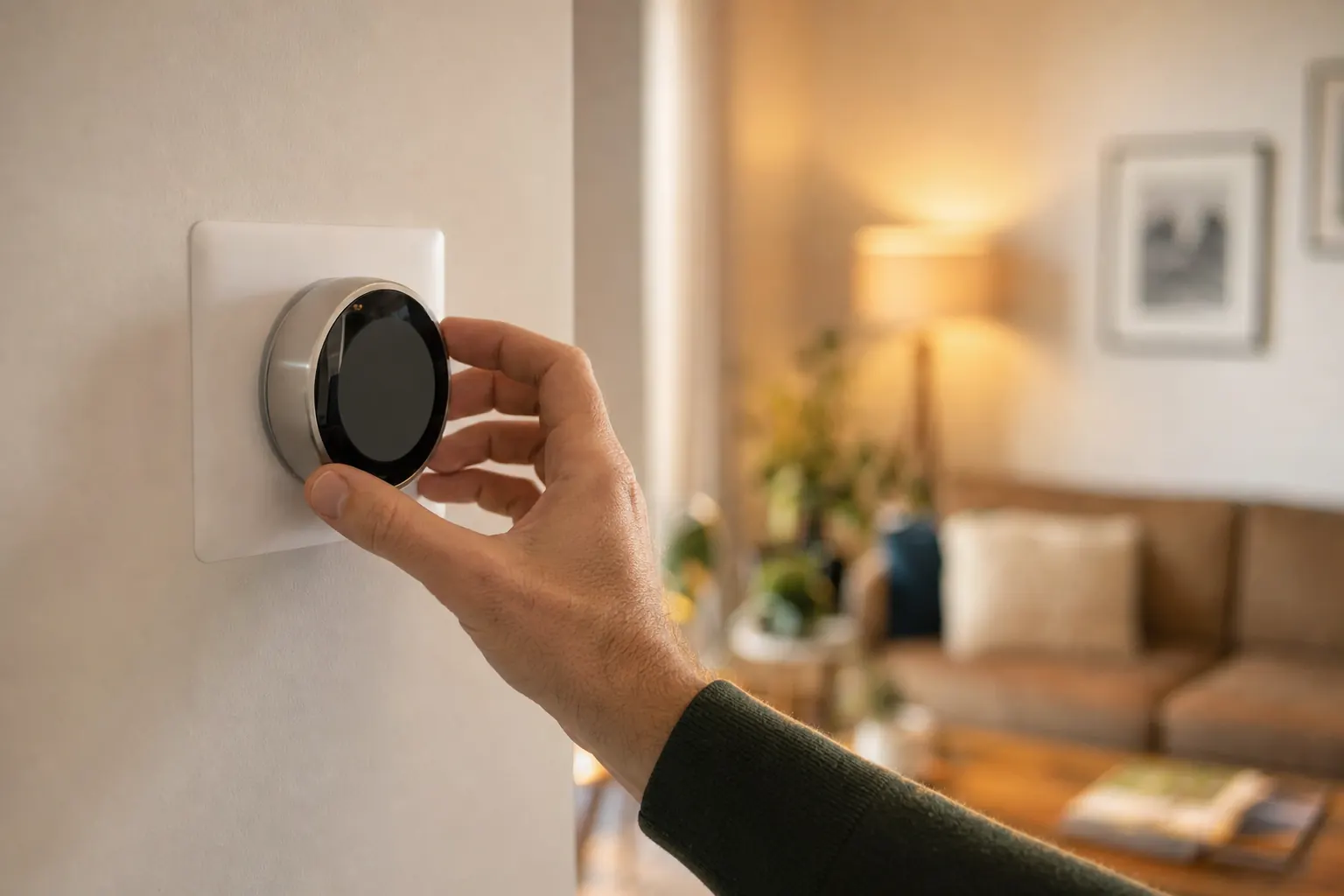
Thermostat installation is the right starting point when the wall control itself is outdated, unresponsive, or no longer fits your system. Common examples include a blank screen, buttons that do not respond, temperature readings that seem wrong at the wall, or a planned upgrade to a programmable or smart thermostat. It also fits after new heating or cooling equipment is installed and the old thermostat may not match the new system.
This page is about installing and setting up the thermostat correctly, not fixing every heating or cooling problem in the house. If the thermostat appears to work but the equipment still will not heat or cool, the fault may be elsewhere in the HVAC system. In that case, thermostat repair or broader HVAC diagnosis may be the better path. Replacement can overlap with installation, but this service is centered on wiring, compatibility, setup, and testing of the control.
The decision this service should answer
Choose a thermostat that matches the equipment, stages, wiring, power, zoning, sensors, placement, and controls the household will use.
Thermostat installation should confirm compatibility and representative sensing before wiring or configuration; a new control cannot correct an equipment or airflow fault.
Common problems
Start with the symptom you notice
Common causes
- Dead batteries or no power
- Some thermostats rely on batteries, while others need steady low-voltage power from the HVAC system. When that power is lost, the screen may go blank, settings may disappear, or the thermostat may stop responding entirely.
- Aging thermostat failure
- Older thermostats can lose accuracy, stop saving settings, or become unreliable at sending heating and cooling calls. That can show up as room temperatures drifting away from the setpoint or a thermostat that works only part of the time.
- Wiring or compatibility mismatch
- A new thermostat has to match the equipment type and the wires available in the wall. If the setup is wrong, symptoms can include no heat, no cooling, fan problems, or smart features that never work correctly.
- Poor thermostat location
- A thermostat reads the temperature where it is mounted, not the whole house. If it is affected by drafts, sun, or other local conditions, it can misread the space and make the system run too much or too little.
- Upgrade for smarter control
- Sometimes nothing is broken, but the current thermostat cannot provide scheduling, remote access, or other smart features. Installation is then about adding the right control and configuring it for the equipment you already have.
What you can safely check first
A few basic checks are safe for homeowners and can rule out simple power or setting issues. Stop there if wiring is unclear, the thermostat stays unresponsive, or the system behaves unpredictably after a change. Low-voltage control wiring still needs the right setup for the equipment.
Replace the batteries
If the thermostat uses batteries, install fresh ones first. If the screen comes back and responds normally, the issue may have been limited to battery power. If nothing changes, the thermostat may be losing power from another source or may have failed.
Check power to the system
Confirm the system switch is on and the HVAC breaker has not tripped. If power was off, restoring it may bring the thermostat back to life. If power appears normal and the thermostat is still blank, that points to a wiring, control-power, or thermostat problem.
Confirm mode and setpoint
Make sure the thermostat is set to the correct mode and that the temperature setting actually calls for heating or cooling. If the display is working but the equipment does not respond to an obvious setpoint change, the issue may not be a simple setting mistake.
Look for a tripped float switch
Some systems can shut down thermostat power or system operation when the AC drain has a float switch that trips. If you know your system has one and it appears tripped, that can explain a blank thermostat or no cooling call. Do not bypass it; note what you see.
When to call a professional
Call for professional help when the thermostat still does not respond after basic checks, when you are changing to a smart model, or when compatibility is uncertain. Installation problems can cause wrong operation even when the thermostat looks normal on the wall.
- Blank after new batteries
- If fresh batteries do not restore the screen, the thermostat may be missing system power or may have failed internally. Leave the system controls alone and avoid repeated resets. The equipment does not always need to be shut off, but further guessing can make diagnosis harder.
- Smart thermostat upgrade
- Smart models often need the right wiring and setup to work properly with the HVAC system. Some systems need a common wire, and incorrect setup can lead to erratic behavior or loss of heating and cooling control. The system can usually stay off until installation is complete.
- Unknown wiring or system type
- If you are not sure what equipment the thermostat controls, installation should not be treated as a simple swap. Heat pumps, auxiliary heat, and other setups can use different terminals and programming. Leave power to the thermostat and equipment off if the cover has already been removed.
- Needs equipment-specific setup
- A thermostat must be configured for the actual heating and cooling equipment, not just attached to the wall. If the wrong settings are used, the fan, heating, or cooling may run at the wrong times. Shut the system off if it starts acting erratically after a thermostat change.
Get help with thermostat installation
One quick call connects you with HVAC pros who service your area. No pressure, no obligation.
What happens during service
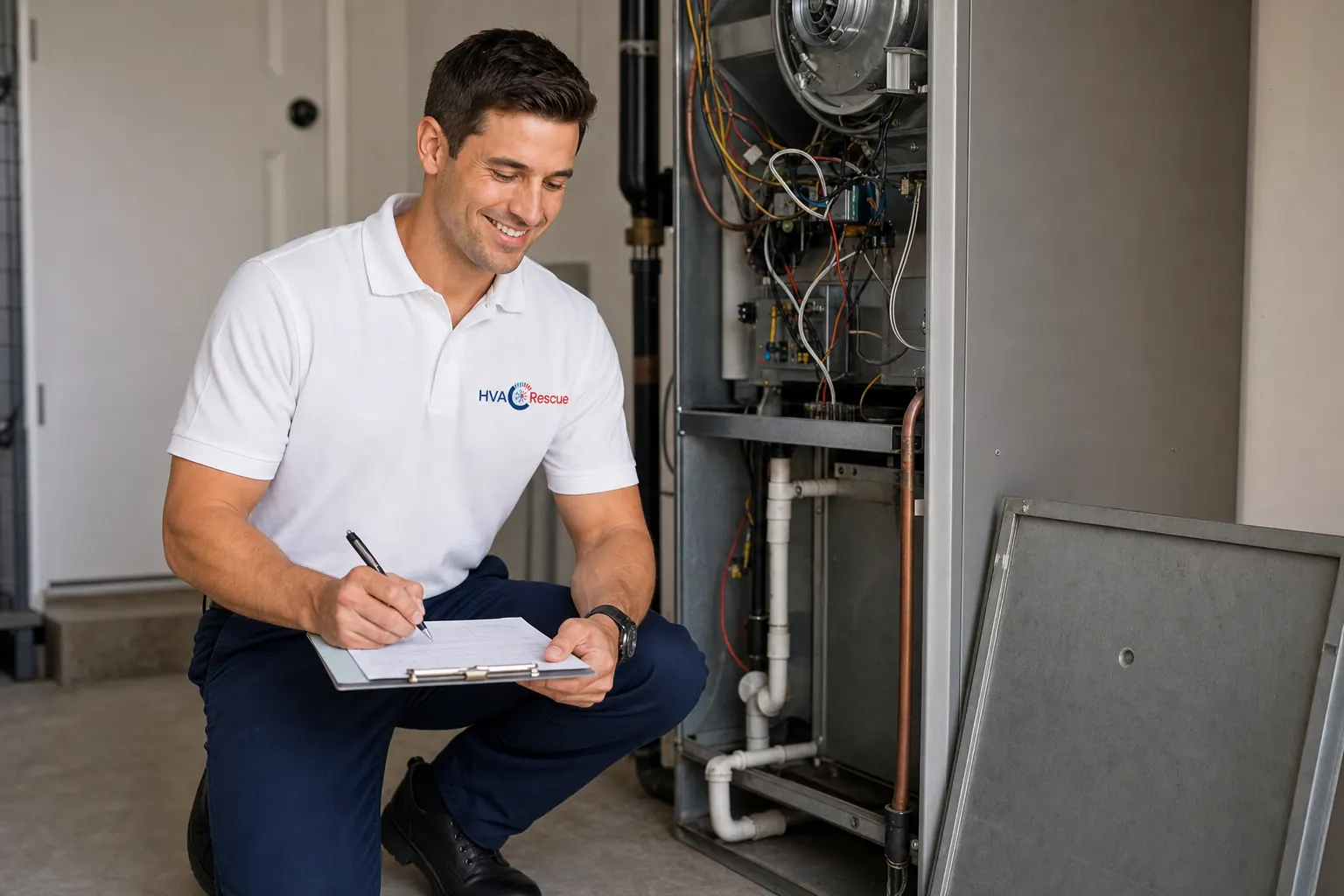
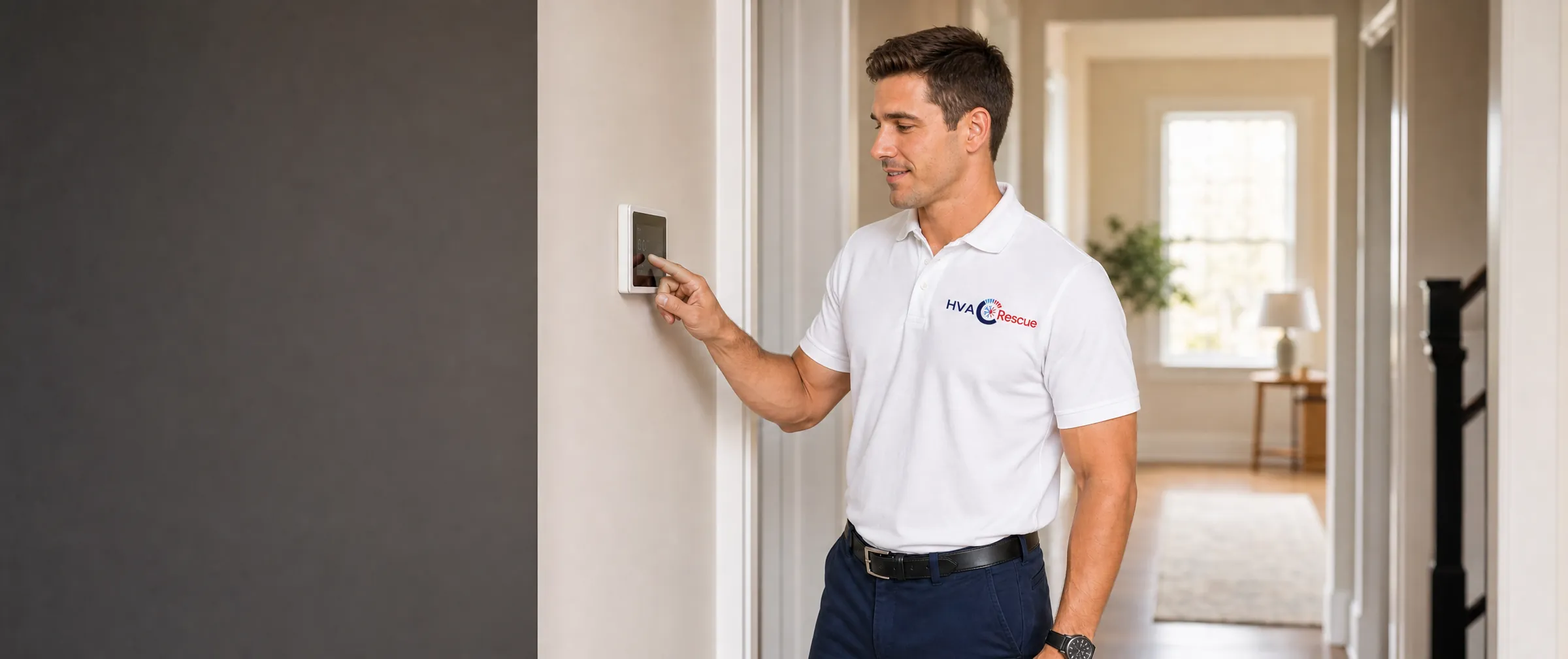
A qualified technician starts by confirming that the thermostat is really the problem and that the chosen model matches the equipment. That usually means checking available power, identifying the system type, confirming which wires and terminals are actually in use, and testing operation after setup. Careful installation is about both correct wiring and correct configuration, because a thermostat can be mounted neatly and still control the system the wrong way if its settings do not match the equipment.
- 1
Check compatibility
Confirm the thermostat works with your HVAC system and wiring.
- 2
Run safe checks
Try fresh batteries and confirm power before replacing.
- 3
Connect with a pro
HVAC Rescue helps connect you with thermostat installation professionals that service your area.
- 4
Install and wire
The thermostat is mounted, wired correctly, and connected to the system.
- 5
Configure and test
Settings are configured and heating and cooling are tested.
Why homeowners use HVAC Rescue
- One call connects you with HVAC pros who service your area
- Help for repair, maintenance, replacement, and emergencies
- Plain-English guidance on what is likely wrong before anyone visits
- No pressure and no obligation to book
- Available nationwide, year-round
- We point you to the right service for your system, not an upsell
Thermostat Installation: common questions
Can any thermostat work with any HVAC system?
Why is my thermostat screen blank?
Do smart thermostats always need a C wire?
Should I replace the thermostat if the house will not heat or cool?
What happens during thermostat installation?
Sources and fact-checking
Reviewed July 27, 2026. We favor primary government and standards sources for safety, efficiency, and regulatory claims. These references support the technical and consumer guidance on this page.
- Smart thermostats key product criteriaENERGY STARCertified smart-thermostat capabilities, temperature accuracy, standby power, and measured energy-savings criteria.
- Guide to installing air-source heat pumpsU.S. Department of Energy Building Science EducationThermostat placement on an interior wall away from direct sunlight, appliances, and drafts.
- ENERGY STAR heating and cooling guidanceENERGY STAREfficiency, replacement planning, qualified equipment, and contractor questions.