Quick summary
Match what you notice to a safe next step
These observations can narrow the starting service, but they do not confirm which part has failed.
What you notice
Control board fault or system lockout
What it may point to
If the thermostat shows an alert, error code, or stops accepting commands, the furnace, air handler, heat pump, or zone panel may have shut itself down to protect the equipment until the fault is diagnosed.
Safe next action
Check the thermostat display and the normal service switch
What you notice
Loss of 24-volt control power or communication
What it may point to
The thermostat can light up but still ignore heating or cooling calls when the R/C power path, common wire, communication bus, or indoor unit transformer is interrupted.
Safe next action
Turn it off and describe the sound to a technician
What you notice
Failed thermostat touchscreen, buttons, or sub-base
What it may point to
When the screen is on but taps, mode changes, or setpoint changes do nothing, the thermostat itself may no longer be sending a valid call to the equipment.
Safe next action
Reset it no more than once; stop if it trips again
What you notice
Tripped breaker or blown low-voltage fuse at the equipment
What it may point to
A short in thermostat wiring or an internal equipment fault can trip a breaker or pop the 3- or 5-amp board fuse, leaving the controls partly or completely unresponsive.
Safe next action
Record the exact code and consult the owner manual without opening panels
Safe things to check
- Replace thermostat batteries if the model uses them
- Confirm the display mode, schedule, and setpoint
- Note any alert exactly as shown
Do not attempt
- Do not open sealed electrical or equipment panels
- Do not bypass a safety switch or force repeated restarts
A few quick questions
Refine the best next step
Question 1 of 3
- 1How much of the home is affected?
- 2What is the system doing right now?
- 3When did this begin?
What this symptom can mean
Use the evidence you can observe
What this symptom usually means
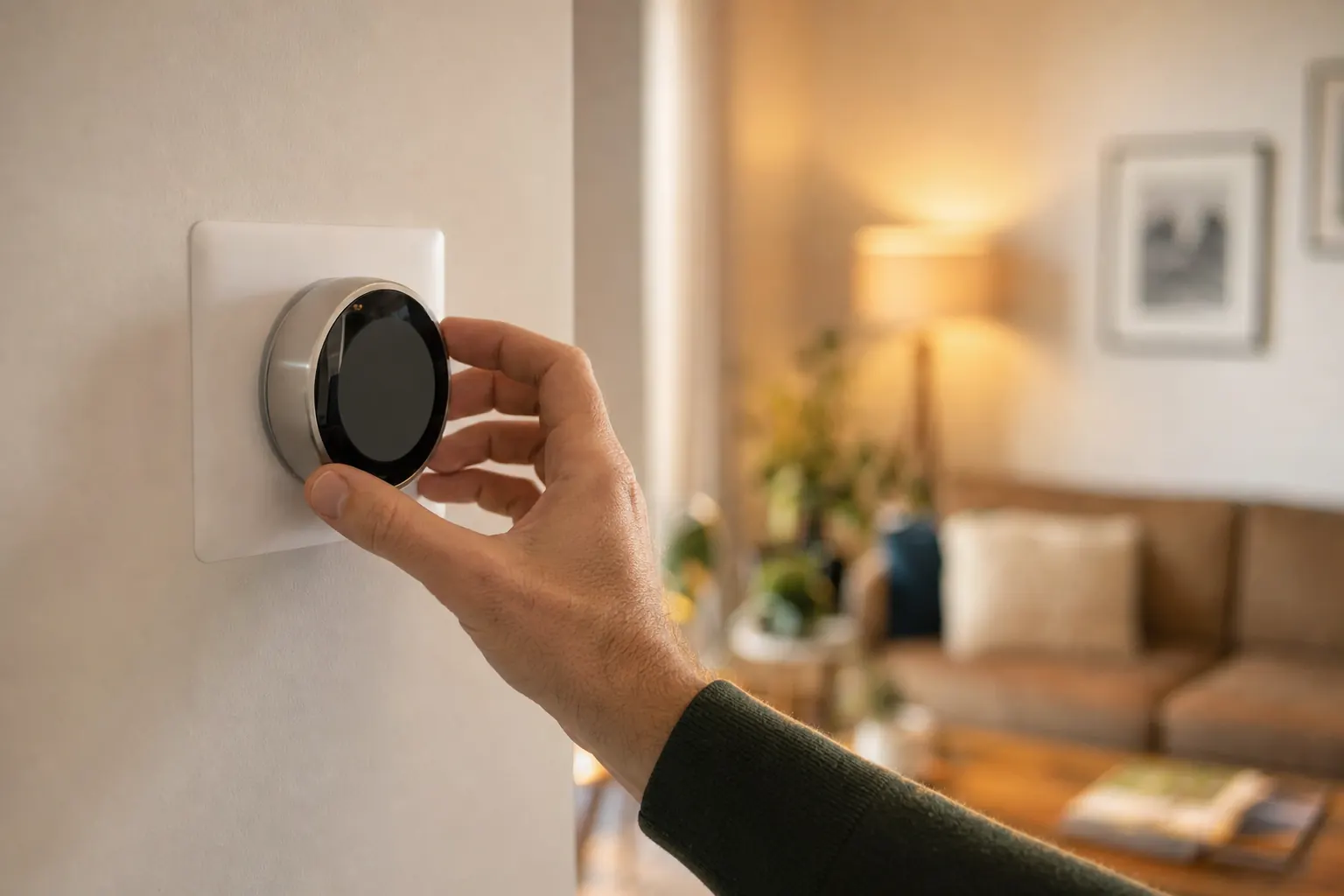
A thermostat that is not responding is different from a thermostat with a blank screen or a thermostat showing the wrong room temperature. Here, the control is present but not acting normally: it may ignore touches or button presses, refuse to change modes, show a code, or send a call that makes the system click or hum without actually starting. That points more to a control problem between the thermostat and the equipment than to simple scheduling, sensor drift, or Wi-Fi issues.
What you can tell from what you see and hear
If the thermostat displays a specific alert or code, that is often the best clue because many communicating systems and smart controls will stop responding when the furnace, air handler, heat pump, or outdoor unit reports a fault. If you hear a click at the thermostat or equipment when you raise or lower the setpoint, the thermostat is probably trying to send a call, but the control circuit or the equipment is not completing startup. If a breaker is tripped, the issue may be at the indoor unit, outdoor unit, or a short in the low-voltage wiring rather than in the thermostat face itself.
How this differs from similar thermostat problems
This symptom is not mainly about connectivity, memory, or display accuracy. A thermostat that will not connect to Wi-Fi can still control the HVAC system locally, while a thermostat that keeps forgetting settings usually still responds to button presses before losing them later. A blank screen points more directly to complete power loss, but a thermostat that is not responding can have a live screen and still fail to accept commands because of lockout, communication loss, bad wiring, or a failed input board.
What a technician usually checks on the visit
A service call for this symptom usually starts with checking whether the thermostat is receiving proper low-voltage power and whether it is actually sending a call for heating, cooling, or fan. The technician will often inspect the equipment control board, look for blown low-voltage fuses, read fault history or live error codes, verify breaker status, and test the thermostat wiring terminals and any zone panel or communicating interface. If the thermostat appears healthy, the next step is usually diagnosing why the equipment rejects or locks out the command.
What affects repair cost
Cost depends heavily on whether the problem is the thermostat itself, the wiring, or the equipment controls behind it. Replacing a standard thermostat may run about $150-$450 installed, while premium communicating or proprietary thermostats can be higher. Low-voltage wiring repairs are often in the roughly $150-$500 range depending on access, and a blown board fuse or minor control repair may stay modest, but replacing an indoor control board or zone panel can move into the several-hundred-dollar range. Error codes that trace back to the furnace, heat pump, or compressor side can increase the total because the thermostat is only reporting a deeper fault.
Cost ranges are estimates developed from standardized project scopes and reviewed pricing inputs. Government labor and regional cost data are used where applicable. See our Pricing Methodology for the exact sources, calculations, and review date. Actual prices vary by property, scope, materials or equipment, location, and provider.
When to turn the system off
- Stop if you smell gas, see smoke or sparks, or hear a carbon-monoxide alarm
- Stop if water reaches powered equipment or a breaker trips again
- Stop if loud grinding, booming, or heavy ice appears
When to call for help
- Call when the symptom continues after the safe checks
- Call promptly when comfort is lost for the whole home
- Describe when it started and any water, ice, noise, odor, alert, or breaker activity
Cost guidance
What could this cost to fix?
Price depends on the actual cause, equipment, access, and local labor. Compare the national ranges in the HVAC Repair Cost guide, or check service availability for your system.
Find local help for HVAC Repair
We will keep this problem and recommended service selected while you answer a few quick availability questions.
Browse HVAC help by stateFrequently asked questions
Thermostat is not responding: common questions
Why is my thermostat on, but it will not change the temperature or mode?
My thermostat clicks when I change the setting, but the HVAC system does not start. What does that mean?
Can a tripped breaker make a thermostat stop responding even if the screen still works?
What should I write down before scheduling service for a thermostat that is not responding?
How long does it usually take to diagnose a thermostat that is not responding?
Sources and review standard
Last updated July 18, 2026. Last reviewed July 18, 2026. HVAC Rescue reviews problem pages for homeowner-safe boundaries, service routing, source quality, and unsupported claims. No named technical reviewer is shown unless a qualified HVAC reviewer has completed that review.