Quick summary
Match what you notice to a safe next step
These observations can narrow the starting service, but they do not confirm which part has failed.
What you notice
Router password, network name, or internet equipment changed
What it may point to
If the thermostat was online before and dropped off after a new router, password update, or internet outage, it usually needs to be joined to the new Wi-Fi settings again.
Safe next action
Note when the change began and whether the system is running
What you notice
Weak 2.4 GHz signal where the thermostat is mounted
What it may point to
The thermostat can power up and control heating and cooling normally but still fail to stay online because the wall location does not receive a strong enough wireless signal.
Safe next action
Compare nearby rooms and keep vents open
What you notice
Incompatible router settings such as 5 GHz-only, band steering, WPA3-only, or guest network isolation
What it may point to
Many thermostats only use 2.4 GHz and older security modes, so the thermostat sees the network poorly or cannot complete setup even though phones and laptops connect fine.
Safe next action
Record any code, sound, smell, or weather event
What you notice
Thermostat firmware glitch or failed app/cloud registration
What it may point to
If the thermostat finds the network but stalls during setup, shows repeated server errors, or disappears from the app, the issue is often software rather than heating or cooling hardware.
Safe next action
Check the filter and arrange an evaluation if it persists
Safe things to check
- Replace thermostat batteries if the model uses them
- Confirm the display mode, schedule, and setpoint
- Note any alert exactly as shown
Do not attempt
- Do not open sealed electrical or equipment panels
- Do not bypass a safety switch or force repeated restarts
A few quick questions
Refine the best next step
Question 1 of 3
- 1How much of the home is affected?
- 2What is the system doing right now?
- 3When did this begin?
What this symptom can mean
Use the evidence you can observe
What this symptom usually means
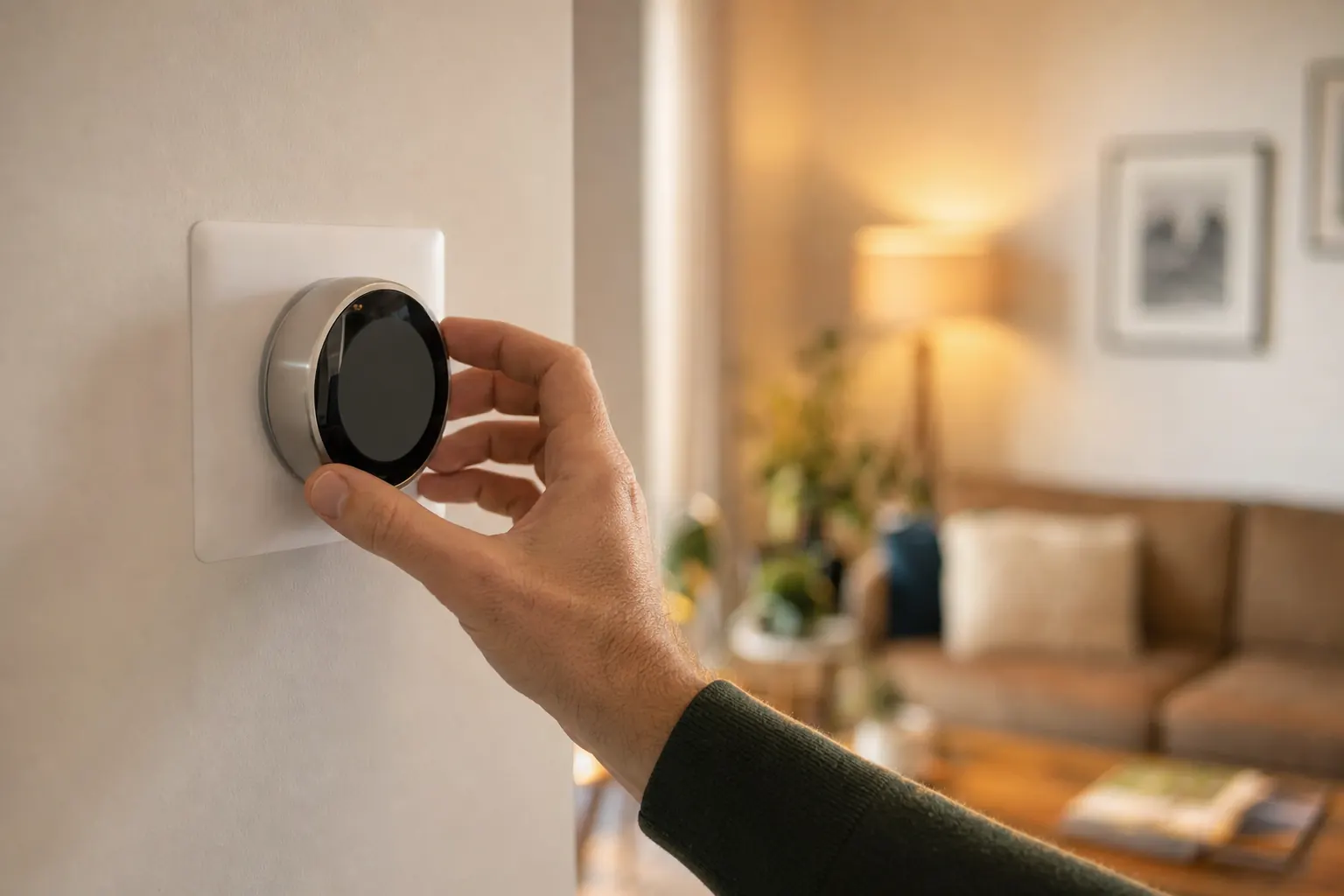
A smart thermostat that will not connect to Wi-Fi is usually a communications problem, not a temperature-control problem. In many homes the heating and cooling still run from the thermostat schedule or manual setting, but remote app control, alerts, weather data, geofencing, and software updates stop working. That makes this symptom different from a blank screen, wrong temperature reading, or a thermostat that will not respond at all.
How to narrow down the cause from what you can observe
If the problem began right after a new router, internet provider visit, password change, or power outage, the thermostat often just needs to be rejoined to the network. If your phone gets poor Wi-Fi at the thermostat’s wall location, weak signal is more likely than a thermostat defect. If the thermostat only shows 5 GHz networks, fails to see your home network, or rejects a correct password, router settings such as band steering, guest-network isolation, hidden SSID, or WPA3-only security are common reasons. If it connects briefly and then drops off every day, software or wireless hardware inside the thermostat becomes more likely.
One zone versus the whole home
On a single-zone system, one offline thermostat affects app control for the whole house because there is only one control point. On multi-zone systems, this symptom can affect just one room or zone if that area has its own smart thermostat and only that thermostat loses Wi-Fi. In that case, compare whether the other thermostats in the home stay online; if they do, the issue is usually that zone thermostat’s signal, settings, or hardware rather than your entire internet connection.
What a homeowner can safely try first
The safest useful step is to restart the router, then restart the thermostat from its menu or by following the manufacturer’s reset procedure, and reconnect it to a 2.4 GHz home network. Make sure you are selecting the normal home network rather than a guest network, and verify the password carefully because thermostats are less forgiving than phones about saved credentials. If the thermostat controls heating and cooling normally but only the app is offline, the problem is almost always in Wi-Fi setup, router compatibility, or cloud registration rather than the HVAC equipment itself.
What happens during a service visit
A technician typically verifies that the thermostat has stable low-voltage power, checks whether it can see nearby 2.4 GHz networks, reviews router compatibility settings, and confirms whether the issue is local Wi-Fi or the thermostat maker’s cloud service. They may remove and remount the thermostat, update firmware, reconnect the device to the app, or recommend relocating networking equipment if signal strength is too low at that wall. If the thermostat cannot scan for networks or repeatedly fails after known-good setup steps, they may recommend thermostat replacement.
What affects repair cost
Cost depends on whether the fix is setup-related or hardware-related. A routine diagnostic and reconnect visit is a different scope from replacing a failed smart thermostat. For replacement, use the standardized smart-thermostat scenario that matches the device, wiring needs, common-wire adapter, and base work instead of a generic HVAC repair range. If the real problem is your router or home network, HVAC service may identify the issue but not resolve internet equipment limitations.
When to turn the system off
- Stop if you smell gas, see smoke or sparks, or hear a carbon-monoxide alarm
- Stop if water reaches powered equipment or a breaker trips again
- Stop if loud grinding, booming, or heavy ice appears
When to call for help
- Call when the symptom continues after the safe checks
- Call promptly when comfort is lost for the whole home
- Describe when it started and any water, ice, noise, odor, alert, or breaker activity
Cost guidance
What could this cost to fix?
Price depends on the actual cause, equipment, access, and local labor. Compare the national ranges in the HVAC Repair Cost guide, or check service availability for your system.
Find local help for HVAC Repair
We will keep this problem and recommended service selected while you answer a few quick availability questions.
Browse HVAC help by stateFrequently asked questions
Smart thermostat will not connect to Wi-Fi: common questions
Why does my smart thermostat say "cannot connect" even though my phone uses Wi-Fi fine?
Will my heat or AC still work if the thermostat is offline from Wi-Fi?
Do smart thermostats need 2.4 GHz or 5 GHz Wi-Fi?
How long should it take to reconnect a smart thermostat to Wi-Fi?
Should I replace my thermostat if it keeps dropping off Wi-Fi?
Sources and review standard
Last updated July 18, 2026. Last reviewed July 18, 2026. HVAC Rescue reviews problem pages for homeowner-safe boundaries, service routing, source quality, and unsupported claims. No named technical reviewer is shown unless a qualified HVAC reviewer has completed that review.