Quick summary
Match what you notice to a safe next step
These observations can narrow the starting service, but they do not confirm which part has failed.
What you notice
Program schedule or adaptive/learning mode is active
What it may point to
Your thermostat is doing exactly what it was told to do, but the schedule, geofencing, occupancy sensing, or learning feature is overriding the temperature you set by hand.
Safe next action
Note when the change began and whether the system is running
What you notice
Weak batteries or unstable 24-volt power to the thermostat
What it may point to
If the thermostat loses power even briefly, it can reset its clock, drop saved settings, or return to default temperatures until power is restored.
Safe next action
Compare nearby rooms and keep vents open
What you notice
Phone app, smart-home routine, or utility demand-response event is changing setpoints
What it may point to
A remote account, voice assistant, automation platform, or energy-saving event can silently push new temperatures to the thermostat even when no one touches the wall unit.
Safe next action
Record any code, sound, smell, or weather event
What you notice
Thermostat firmware glitch or failing internal memory
What it may point to
The thermostat may accept settings, then lose them hours later because its software is freezing or its internal storage is starting to fail.
Safe next action
Check the filter and arrange an evaluation if it persists
Safe things to check
- Replace thermostat batteries if the model uses them
- Confirm the display mode, schedule, and setpoint
- Note any alert exactly as shown
Do not attempt
- Do not open sealed electrical or equipment panels
- Do not bypass a safety switch or force repeated restarts
A few quick questions
Refine the best next step
Question 1 of 3
- 1How much of the home is affected?
- 2What is the system doing right now?
- 3When did this begin?
What this symptom can mean
Use the evidence you can observe
What this symptom usually means
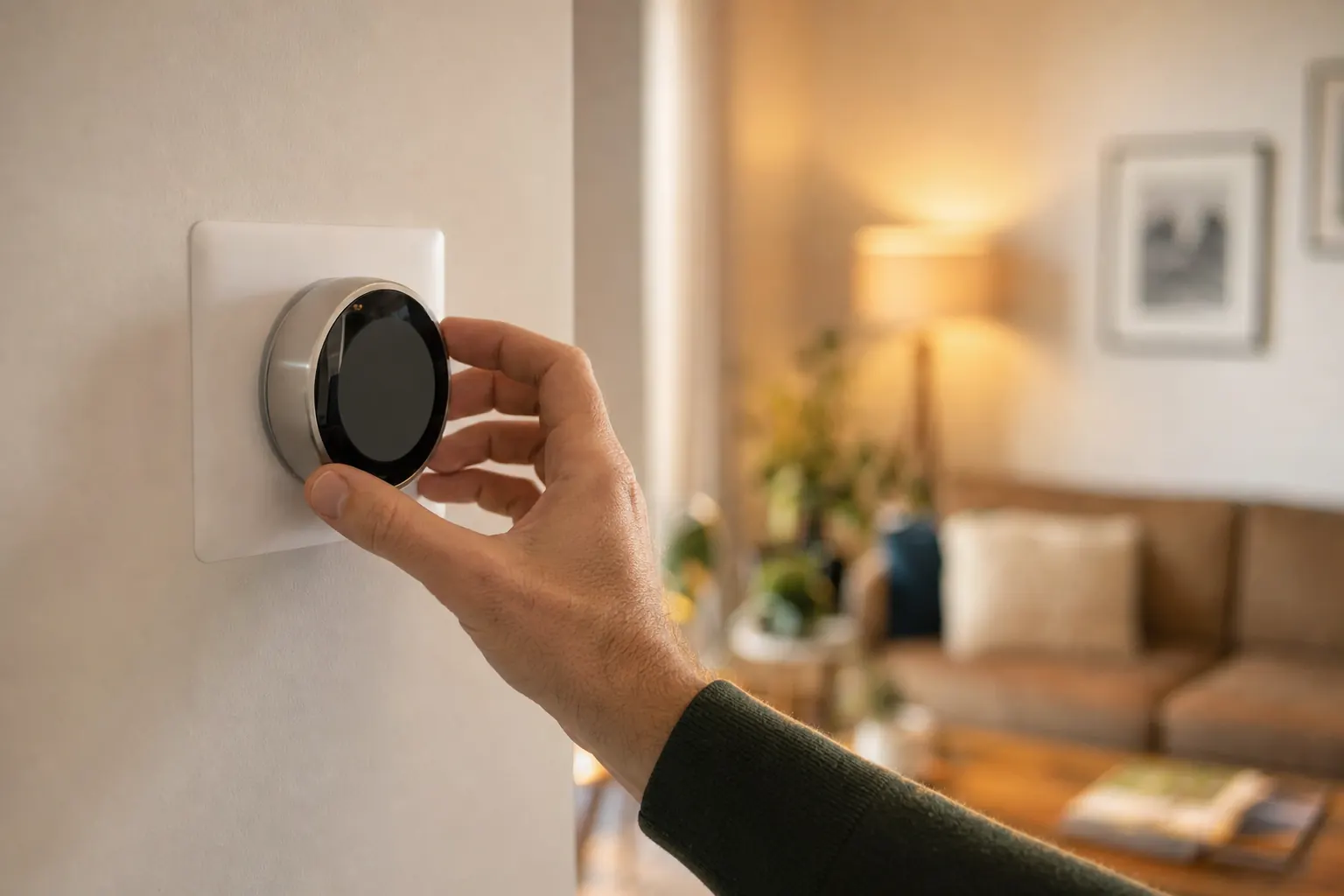
When a thermostat keeps changing its own temperature setting or forgets programmed times, the problem is usually in the control itself rather than in the furnace, air conditioner, or heat pump. This symptom points to commands being overwritten, memory being lost, or power to the thermostat dropping just long enough to reset part of its programming. That is different from a thermostat that is blank, unresponsive, or reading the wrong room temperature, because here the key clue is that your settings do not stay where you put them.
What you can observe to narrow it down
If the temperature changes happen at the same times each day, such as every morning at 6:00 or every night around bedtime, a schedule or learning mode is the leading suspect. If the thermostat forgets the time and date, loses Wi-Fi names, or goes back to factory-like defaults after a power flicker, battery or low-voltage power loss is more likely. If the setting changes only when someone arrives home, leaves home, uses a phone app, or talks to a voice assistant, look for geofencing or automations. If changes happen randomly with no pattern and no power outage, the thermostat itself or its wiring is more likely at fault.
One safe step that often separates user settings from hardware trouble
Set the thermostat to permanent hold, manual, or run-without-schedule mode, depending on the model, and replace the batteries if your thermostat uses them. If the setpoint stays steady for a full day after that, the issue was probably scheduling, learning, or a remote automation rather than a failing control. If it still changes temperatures, loses the clock, or forgets settings after batteries are replaced, that points more strongly to a power problem, wiring issue, or bad thermostat.
What a technician usually checks on this call
On a service visit, the technician typically starts at the thermostat menu history, programming mode, and connected app settings to see whether a schedule, recovery feature, demand-response event, or integration is issuing commands. Then they verify battery condition if applicable, measure 24-volt power between the thermostat terminals, inspect the R and C connections, and look for intermittent voltage drop or a loose sub-base. If the thermostat repeatedly reboots, loses time, or will not retain settings after power is confirmed stable, replacement of the thermostat is often the practical repair.
What affects repair cost
Cost depends on whether the fix is a settings correction, wiring repair, transformer-related low-voltage issue, or thermostat replacement. A basic diagnostic and reprogramming visit is commonly at the lower end, while tracing intermittent control wiring takes more labor. In 2025-2026 US markets, thermostat replacement often runs about $150-$450 for many standard models plus labor, while premium communicating or smart thermostats can be several hundred dollars more. If the problem comes from a low-voltage power issue in the air handler or furnace control circuit, the final price depends on what component is interrupting power.
Cost ranges are estimates developed from standardized project scopes and reviewed pricing inputs. Government labor and regional cost data are used where applicable. See our Pricing Methodology for the exact sources, calculations, and review date. Actual prices vary by property, scope, materials or equipment, location, and provider.
When to turn the system off
- Stop if you smell gas, see smoke or sparks, or hear a carbon-monoxide alarm
- Stop if water reaches powered equipment or a breaker trips again
- Stop if loud grinding, booming, or heavy ice appears
When to call for help
- Call when the symptom continues after the safe checks
- Call promptly when comfort is lost for the whole home
- Describe when it started and any water, ice, noise, odor, alert, or breaker activity
Cost guidance
What could this cost to fix?
Price depends on the actual cause, equipment, access, and local labor. Compare the national ranges in the HVAC Repair Cost guide, or check service availability for your system.
Find local help for HVAC Repair
We will keep this problem and recommended service selected while you answer a few quick availability questions.
Browse HVAC help by stateFrequently asked questions
Thermostat keeps changing or forgetting settings: common questions
Why does my thermostat keep changing the temperature by itself?
Why does my thermostat forget the time and settings after a power outage?
Can low batteries make a thermostat reset or lose its program?
Why does my thermostat change settings even when no one touches it?
Do I need a new thermostat if it keeps forgetting settings?
Sources and review standard
Last updated July 18, 2026. Last reviewed July 18, 2026. HVAC Rescue reviews problem pages for homeowner-safe boundaries, service routing, source quality, and unsupported claims. No named technical reviewer is shown unless a qualified HVAC reviewer has completed that review.